
Two Records, One Customer: The Hidden Cost of Dirty Data
Why “Dirty Data” Isn’t Just a Mess — It’s a Business Problem
Dirty data sounds simple, but here’s what it actually means:
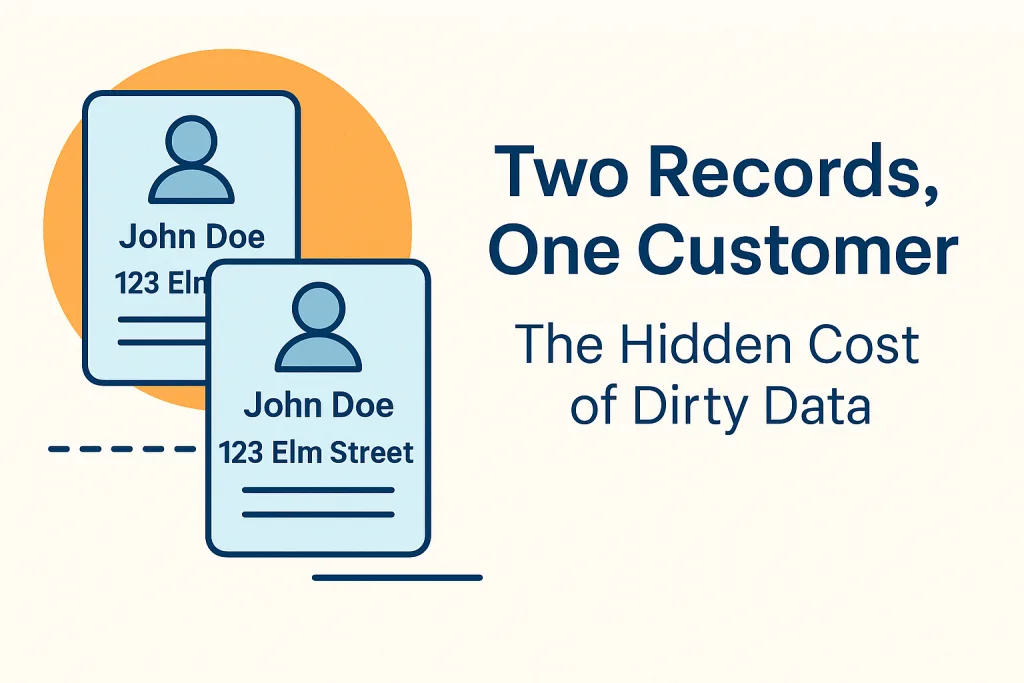
You don’t have one customer in your system — you have two, three, or ten, each slightly different. Maybe a name is misspelled. Maybe the address formatting is inconsistent. Maybe the phone number is missing in one record but present in another.
These small variations break traditional, exact-match deduplication. As a result, your systems treat those records as different people.
This is the core of “dirty data”:
Duplicate customer records that look different but represent the same real human being.
Now let’s talk about the real damage this causes.
How Dirty Data Hurts Your Business
Dirty data doesn’t just clutter your CRM. It quietly drains money, slows teams down, and creates real-world failures. Here are some of the biggest impacts.
1. Bad Decision-Making
If one customer exists as multiple records, reporting becomes unreliable.
Revenue looks inflated. Churn appears lower than it is. Marketing performance is distorted. Leadership ends up making decisions based on flawed dashboards.
2. Angry Customers
Imagine a customer receives three versions of the same bill, each addressed differently.
Or they get a support response that references an outdated email.
Or they’re repeatedly asked for information your system already has.
Customers don’t care why your data is wrong. They just see the inconsistency.
3. Compliance and Regulatory Risk
Duplicate people in a system can cause:
Incorrect tax reporting
GDPR/CCPA right-to-be-forgotten failures
Duplicate communications when a customer opted out
Conflicting identity information
These aren’t small mistakes. They turn into fines and investigations.
4. Wasted Marketing Spend
If one person exists as four records:
You email them four times
You mail them four brochures
You target them four times in ads
Marketing budgets leak money fast when the foundation is wrong.
5. Operational Inefficiency
Support teams waste time figuring out which record is correct.
Sales teams contact the same lead twice.
Billing teams send duplicate invoices.
Ops teams don’t know which address or phone number is real.
Dirty data is a silent tax on the entire company.
How Do You Fix Dirty Data? A Clean, Structured Approach
There isn’t one magic button that fixes this problem. It takes a sequence — and done correctly, the payoff is huge.
Here’s the workflow that actually solves dirty data at scale.
1. Profile the Data
Before fixing anything, you need to understand the problem.
Data profiling identifies:
Pattern inconsistencies
Missing values
Outliers
Formatting issues
Duplicates hiding under slight variations
This tells you where your data is broken and why.
2. Cleanse and Standardize
Dirty data usually begins with inconsistent formatting.
Cleansing and standardization help by:
Normalizing casing
Fixing spacing and punctuation
- Address Verification & CASS Certification
Standardizing addresses and phone numbers
Repairing formatting differences
Applying dictionaries and validation rules
This step makes later matching far more accurate.
3. Apply Fuzzy Matching to Find the Duplicates You Can’t See
Exact matching fails when duplicates look slightly different.
Fuzzy matching bridges that gap by comparing:
Names
Addresses
Emails
Company names
Contact details
Even when they differ by spelling, formatting, missing data, or abbreviations.
Instead of:
Johnathan Smith ≠ Jon Smith
Fuzzy matching identifies them as the same customer with high confidence.
Match Data Pro uses:
Multiple match definitions (OR logic)
Multiple criteria per definition (AND logic)
Threshold-based scoring
Per-criteria confidence values
This gives you clarity and precision, even on massive datasets.
4. Group the Matches
Once duplicates are found, they’re grouped together by group ID.
This shows you all versions of the same customer at once — in one place.
You can instantly see:
Variations in spelling
Different phone numbers
Conflicting addresses
Missing or outdated fields
Grouping creates order out of chaos.
5. Merge Records Into One Golden Record
This is where duplicates transform into value.
You choose:
Which fields to keep
Which data source has priority
Whether to select the longest or shortest string
Whether to keep max/min values
Whether to use newest/oldest dates
Whether to merge all values into a single field
When to overwrite or not overwrite a field
The result is a single, complete, accurate customer record — a golden record.
6. Export a Clean, Deduplicated Dataset
Once the work is complete, you can export:
All records with match flags
Only the matches
Only the non-matches
A fully deduplicated dataset (one record per group)
This is the dataset your business should have had all along.
Why Match Data Pro Makes This Easy
Match Data Pro brings all these steps together in one platform with:
Automated profiling
Powerful cleansing and standardization tools
Flexible fuzzy matching
Smart grouping
Customizable merging
Low-friction workflows
High accuracy at scale
Instead of duct-taping 5 tools together, you get one clean, consistent workflow.
Dirty data becomes clean, trusted data — without slow processes, manual guesswork, or platform switching.
Final Thoughts: Clean Data Isn’t Optional Anymore
Businesses today run on data.
But when that data is dirty, you’re running on broken information — and paying the price in every department.
Fixing dirty data is not just an IT task.
It’s a revenue task.
A compliance task.
A customer experience task.
A leadership task.
Match Data Pro helps you solve it end-to-end.
Ready to eliminate dirty data for good?
Try Match Data Pro or book a walkthrough with our team.
👉 Try Match Data Pro free — no registration required
Dirty data usually appears when information is collected across multiple systems, departments, or channels. Typos, inconsistent formatting, missing fields, imports from legacy systems, and human entry errors all contribute. Over time, small variations create multiple versions of the same customer or company.
Exact-match tools only catch perfect duplicates. But real duplicates rarely match exactly. Differences in spelling, punctuation, abbreviations, and partial data make many duplicates invisible without fuzzy matching and proper standardization.
Customers notice inconsistencies quickly. They may receive duplicate emails, conflicting messages, repeated billing notices, or support responses that reference outdated information. This erodes trust and gives the impression of a disorganized business.
A structured workflow works best:
Profile the data to identify issues, cleanse and standardize formats, apply fuzzy matching to detect similar-but-not-identical records, group potential duplicates, merge them into a golden record, and export a clean deduplicated file. Match Data Pro automates this end-to-end.
Match Data Pro lets teams continuously profile, cleanse, and match new incoming data. Its customizable definitions, criteria, and merging rules ensure consistency. Over time, businesses maintain a clean, accurate, and trusted dataset instead of falling back into duplicate chaos.